Check that the power cord is plugged in to the wall and that the orange light on the power supply is lit

Check that the power cord is plugged in to the X-ray machine
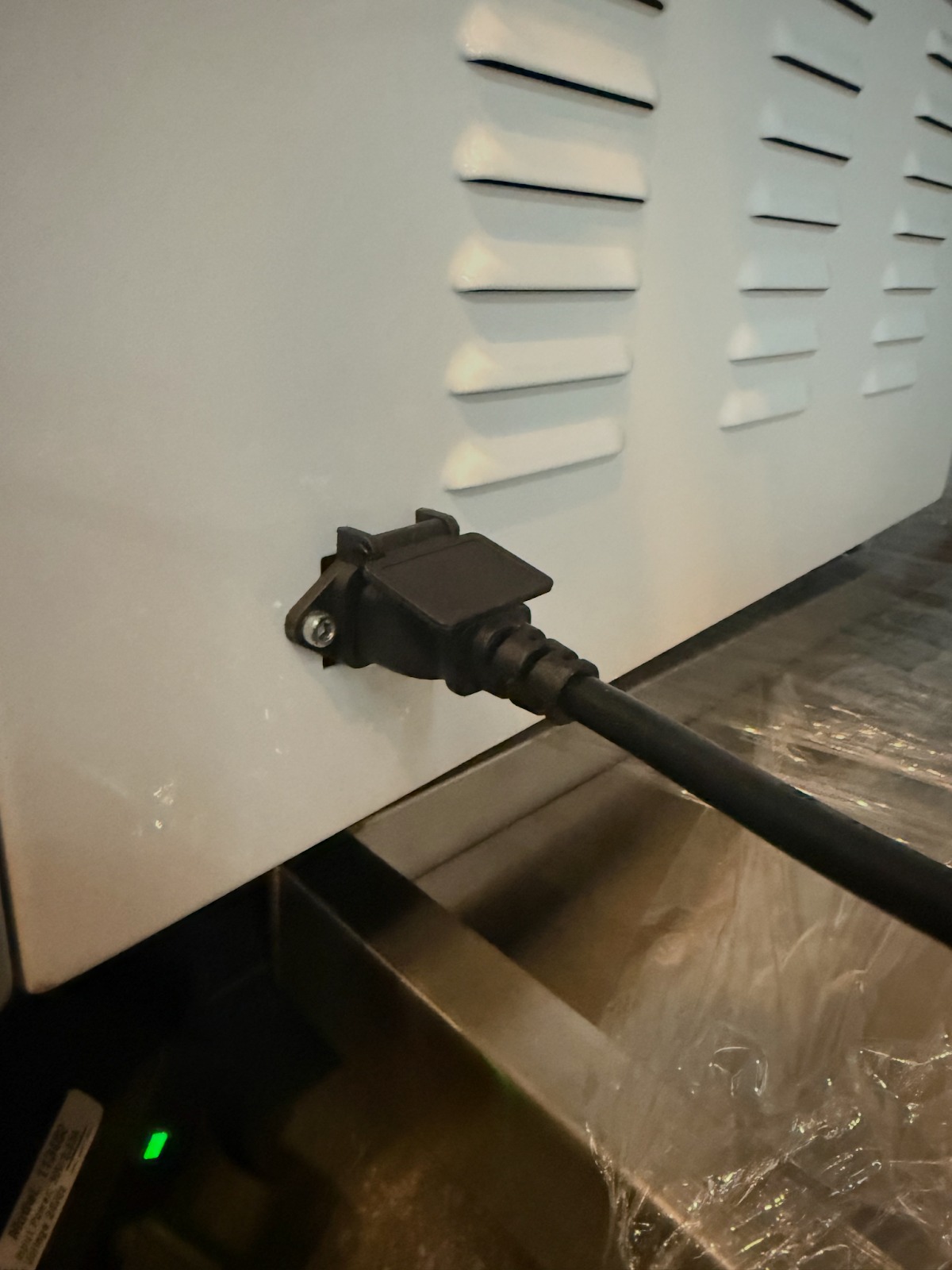
If X-Ray will not turn on, unplug the AI assisted X-Ray out of the wall and plug it back in. Hit the on switch on the iPad or can use the keyboard that came with the X-Ray if it still exisits with your unit.
Contact Support for additional assistance, 1-833-928-4362
Was this article helpful?
That’s Great!
Thank you for your feedback
Sorry! We couldn't be helpful
Thank you for your feedback
Feedback sent
We appreciate your effort and will try to fix the article